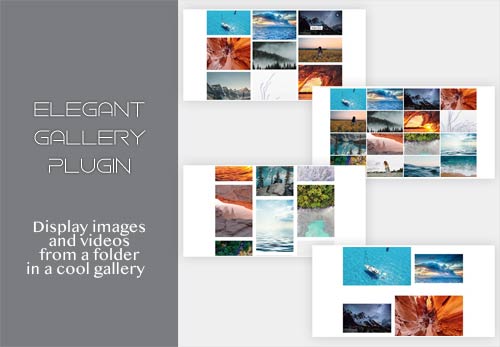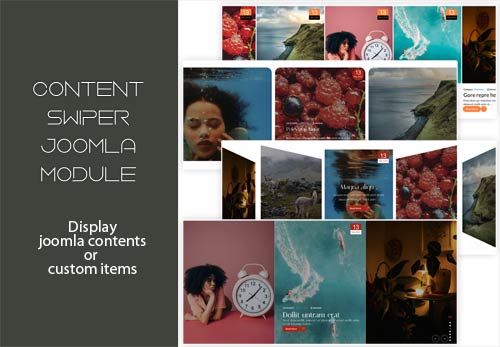

Photo Gallery Joomla Plugin process the {mxgallery}my-folder{/mxgallery} shortcode display images from a folder. It offers five distinct styles: slider, carousel, show, gallery and list. Each style provides the option to utilize Fancybox, which enables the display of photos in a popup format as a slideshow. To ensure compatibility with other plugins, the shortcode name {mxgallery} in plugin settings can be customized to any desired name, such as {gallery} or {portfolio} ect.
Shortcode parameters (style, height, columns, space, border width, theme and effect) are dynamically processed, allowing users to override default plugin settings directly within the shortcode. For example: {mxgallery slider 500 4 1 5 isotope coverflow}my-folder{/mxgallery} sets style slider, custom item height (500), 4 columns (for gallery style only), space 4 between items (for gallery style only), border width 5, applies the "isotope" theme (for gallery style only), put in slider style "coverflow" effect, and targets the my-folder directory. Effect will apply only to slider style.
Shortcode parameters (style, height, columns, space, border width, theme and effect) are dynamically processed, allowing users to override default plugin settings directly within the shortcode. For example: {mxgallery slider 500 4 1 5 isotope coverflow}my-folder{/mxgallery} sets style slider, custom item height (500), 4 columns (for gallery style only), space 4 between items (for gallery style only), border width 5, applies the "isotope" theme (for gallery style only), put in slider style "coverflow" effect, and targets the my-folder directory. Effect will apply only to slider style.


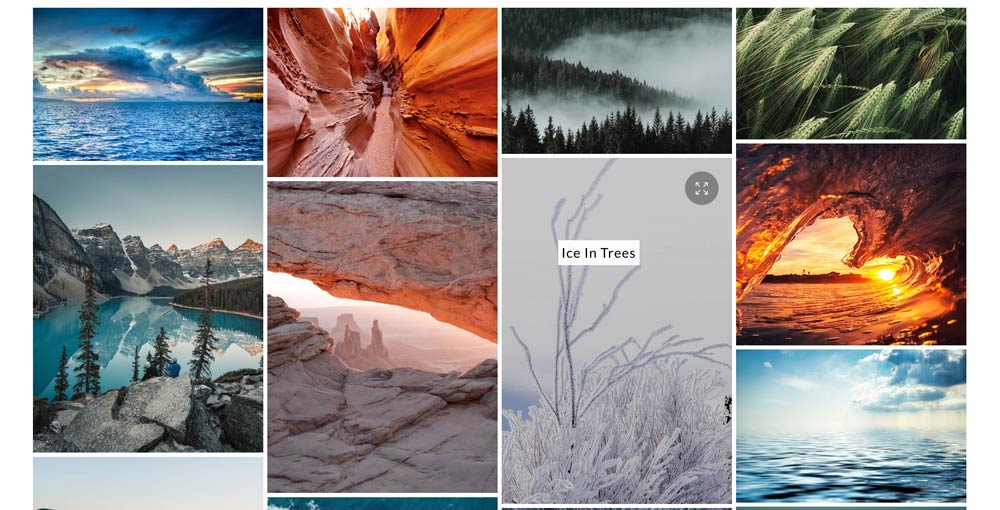
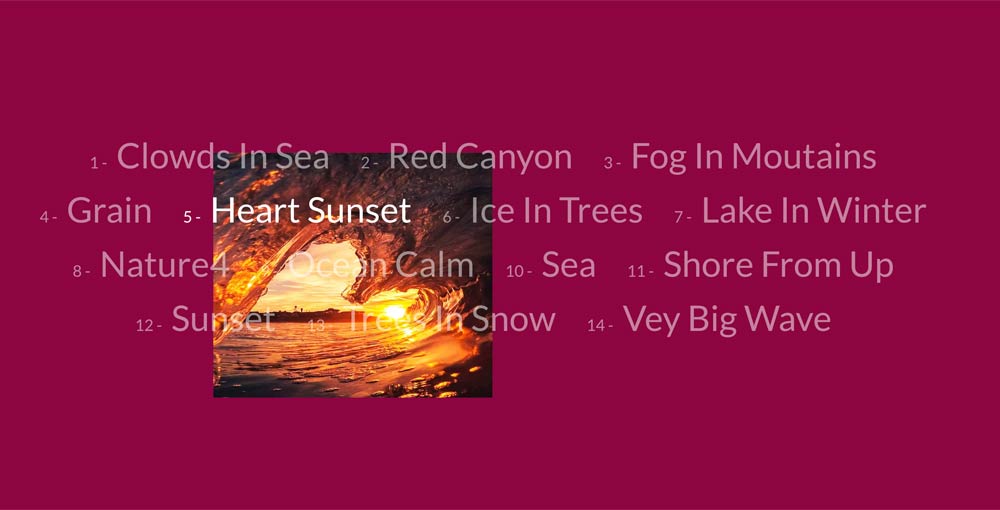
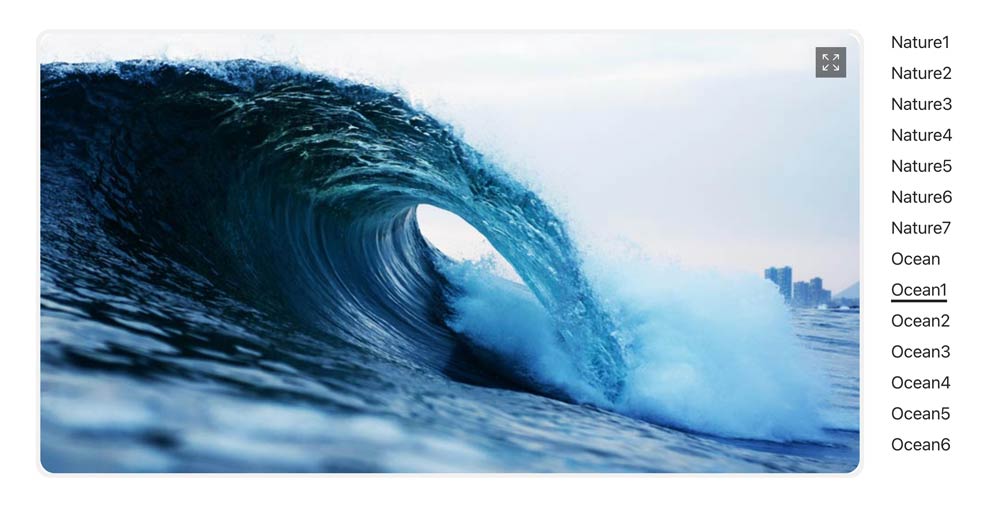
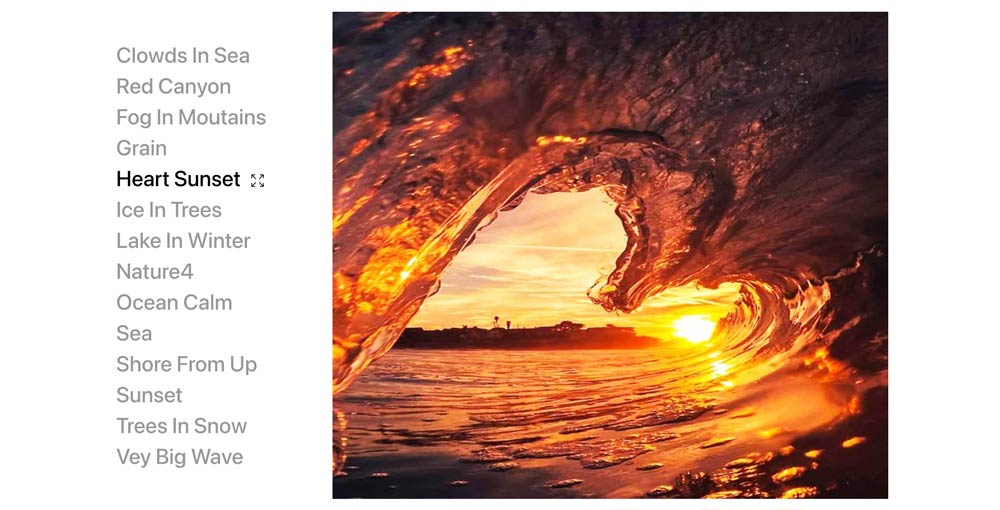
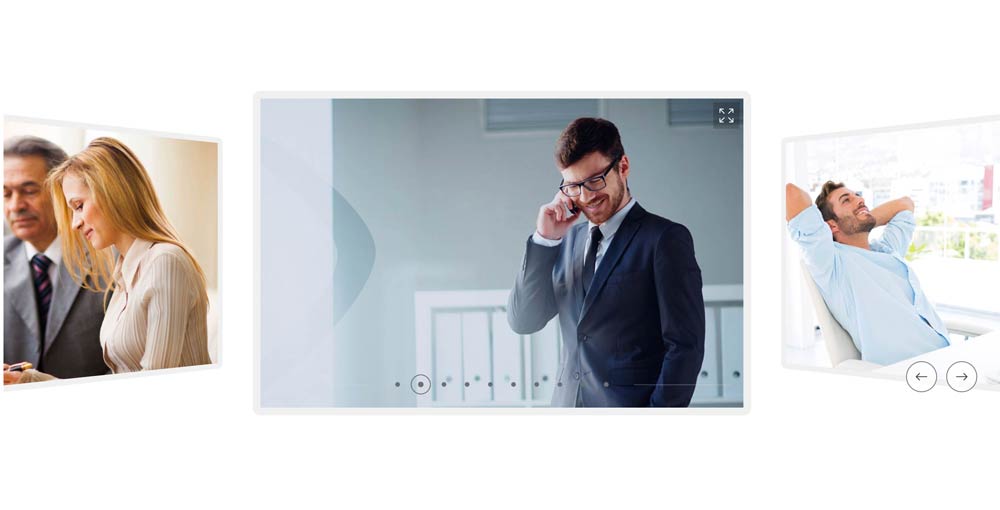
Styles: Slider, Carousel, Show, Gallery, List.
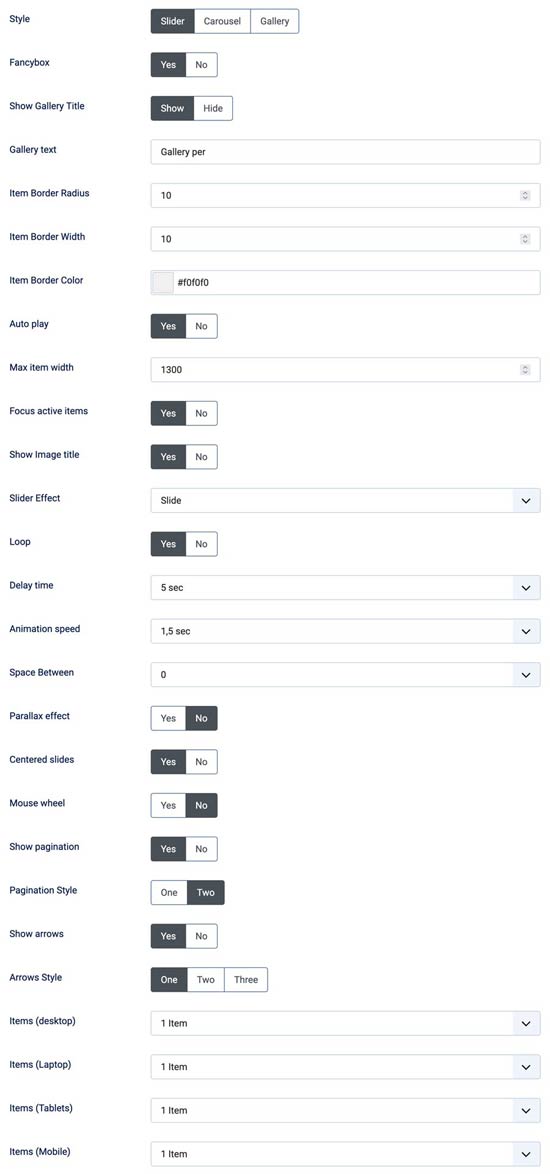
Slider Settings
- Fancybox - Yes/No
- Shadow item - Yes/No
- Show Gallery Title - Yes/No
- Gallery text intro
- Item Border Width
- Item Border Color
- Auto play - Yes/No
- Max item width
- Focus active items - Yes/No
- Show Image title - Yes/No
- Slider Effect - Fade / Slide / Coverflow / Flip / Cube / Cards
- Loop - Yes/No
- Delay time
- Animation speed
- Space Between
- Parallax effect - Yes/No
- Centered slides - Yes/No
- Mouse wheel - Yes/No
- Show pagination - Yes/No
- Pagination Style - One / Two
- Show arrows - Yes/No
- Arrows Style - One / Two / Three
- Items (desktop) - one to ten ( for slider and coverflow )
- Items (Laptop) - one to ten ( for slider and coverflow )
- Items (Tablets) - one to ten ( for slider and coverflow )
- Items (Mobile) - one to ten ( for slider and coverflow )
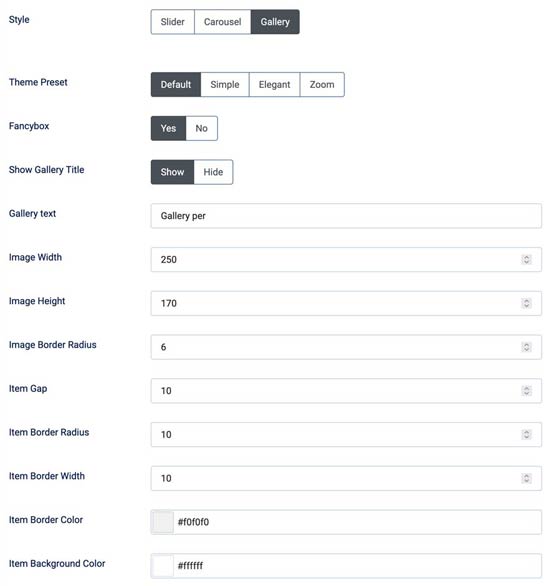
Gallery Settings
- Themes - Classic / Isotope
- Shadow item - Yes/No
- Fancybox - Yes/No
- Show Gallery Title - Yes/No
- Gallery text intro
- Columns - one / two / three /four / five / six
- Custom Color
- Items space - None / Space One / Space Two / Space Three
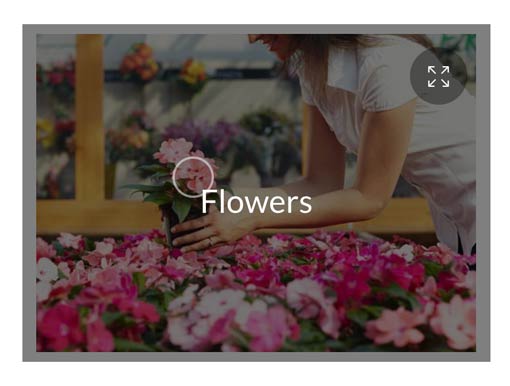
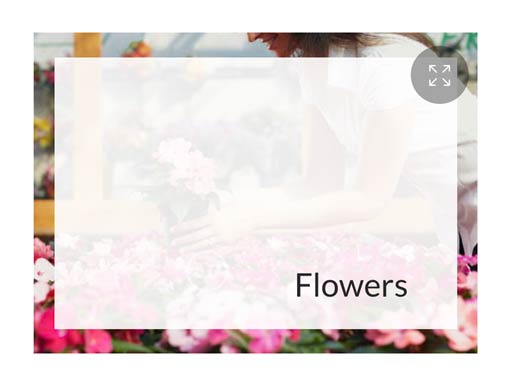
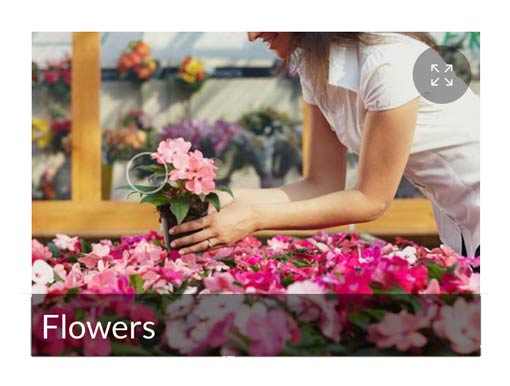
- Tittle effects - Mouse follow Mix / Mouse follow White / Over Image Dark / Slide Bottom Dark / Over Image White / Below Image
- Show animated cursor - Yes / No
- Item Border Width
- Item Border Color
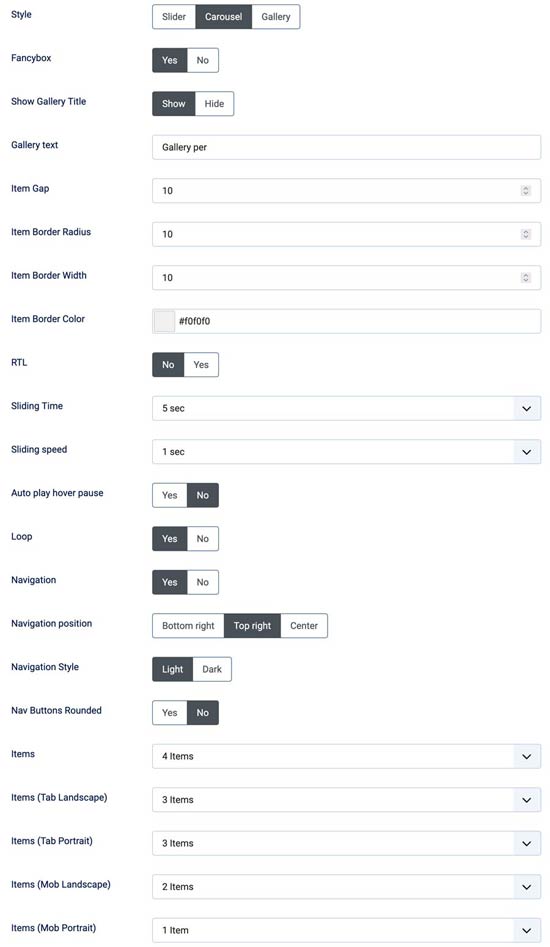
Carousel Settings
- Fancybox - Yes/No
- Shadow item - Yes/No
- Show Gallery Title - Yes/No
- Gallery text intro
- Item Border Width
- Item Border Color
- RTL - Yes/No
- Sliding Time
- Sliding speed
- Auto play hover pause - Yes/No
- Loop - Yes/No
- Navigation - Yes/No
- Navigation position - Bottom Right/Top Right/Center
- Navigation Style - Light/Dark
- Nav Buttons Rounded - Yes/No
- Items (desktop) - one to ten
- Items (Laptop) - one to ten
- Items (Tablets) - one to ten
- Items (Mobile) - one to ten
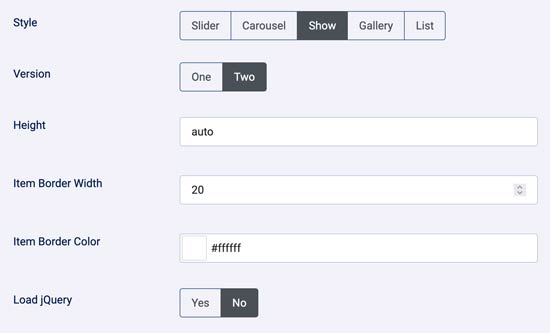
Show Settings
- Fancybox - Yes/No
- Version - One / Two
- Height
- Item border width
- Item border color
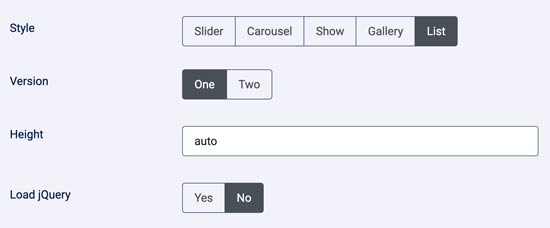
List Settings
- Fancybox - Yes/No
- Version - One / Two
- Height
- Jquery - Yes/No
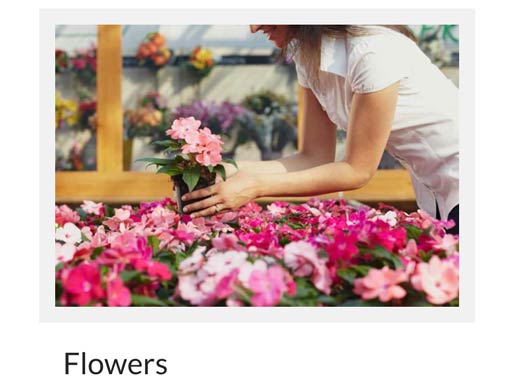
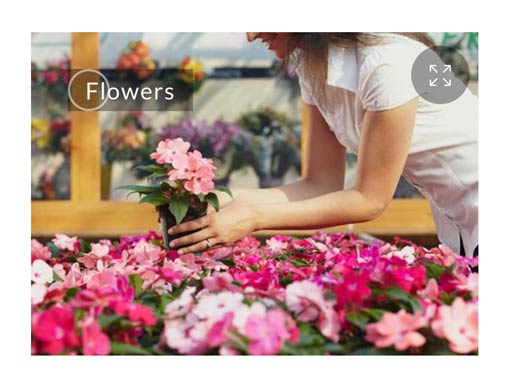
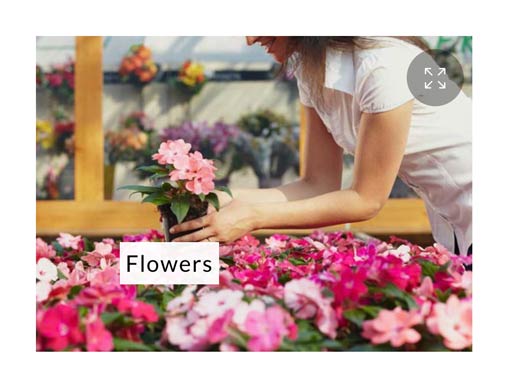

Slider
Effects available - Fade / Slide / Coverflow / Flip / Cube / Cards
Slider style with effect slider is used also in this page but without Fancybox.
In demo is used effect coverflow.
Carousel


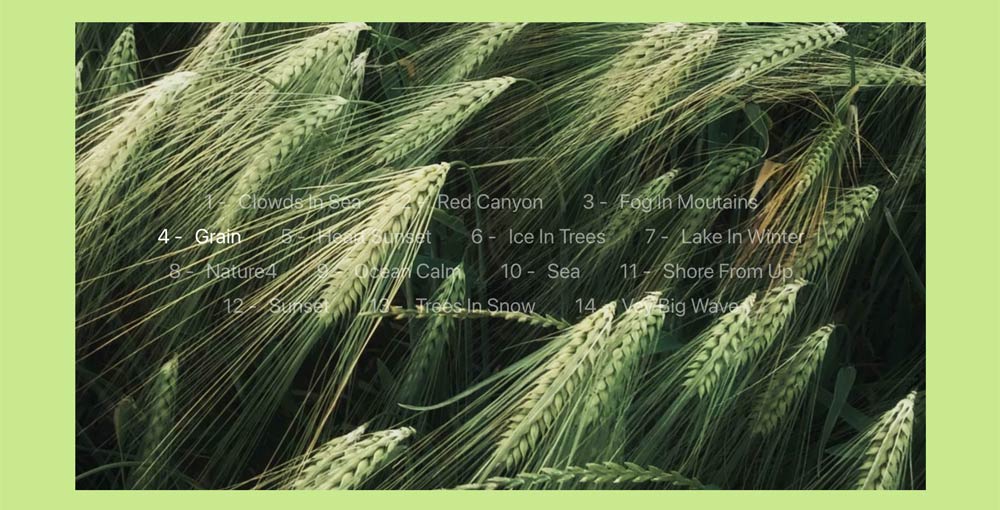
List
Is a beautiful show with background color and photo showing in mouseover title

Download include: Photo Gallery Plugin.